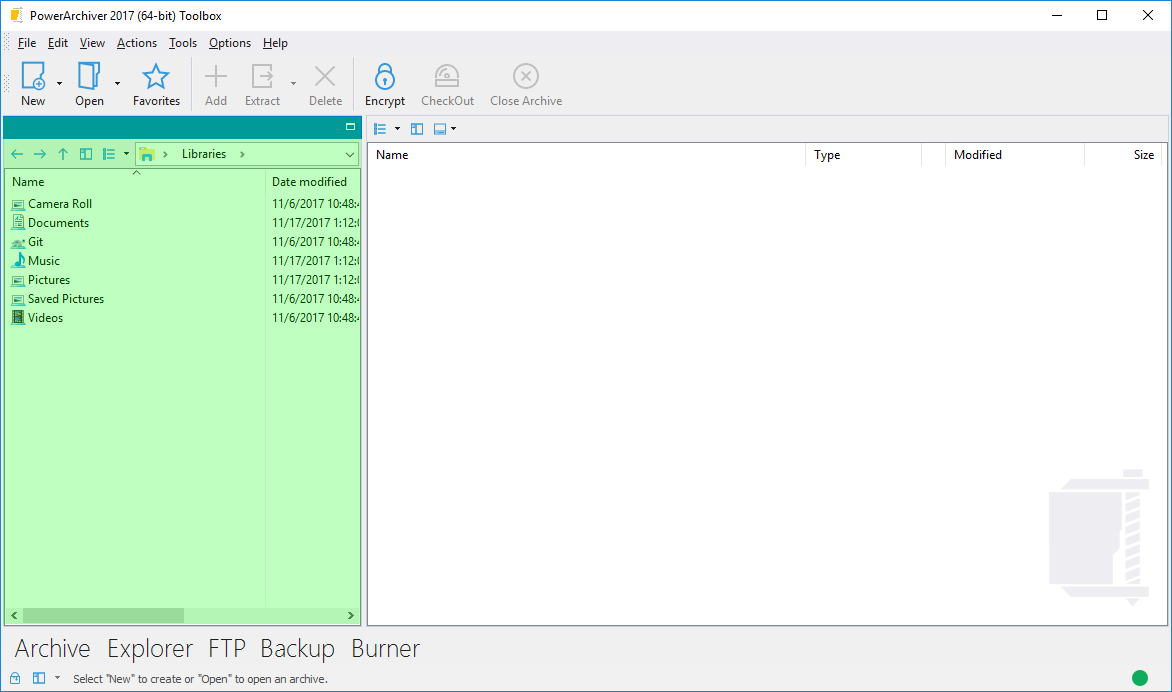
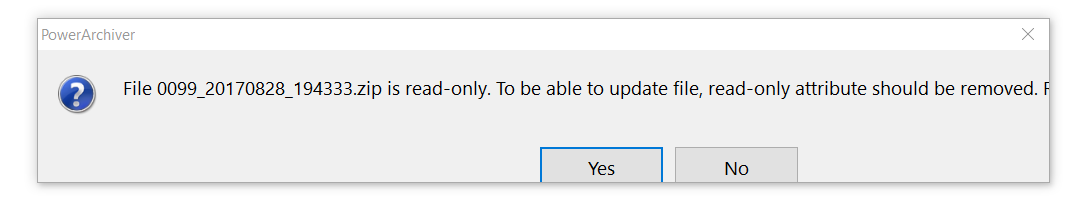
• Hiding the Power Archiver "Explorer" Window

    Solved
    3
    2
    0 Votes
    3 Posts
    2k Views
    P
    Yes. (Insert an embarrassment emoticon right here. Or one with a dunce cap. Both are appropriate.) Thanks!
  • Fast Ring: PowerArchiver 2017 17.01.06

    Locked
    14
    5 Votes
    14 Posts
    21k Views
    spwolfS
    @brian-gregory said in Fast Ring: PowerArchiver 2017 17.01.06: So you’re just NEVER going to tell me how to do it??? If you use Options> Export to local file, it seems like everything gets saved. Can you tell me what settings did not get restored for you via Cloud?
  • Virgin install

    Solved
    14
    1 Votes
    14 Posts
    5k Views
    drteethD
    Hi, I have not received an email from you at all. I have been using the .16 release, but I need to get rid of that nag screen. Cheers DrTeeth
  • 17.00.91 Can't completely disable PowerArchiver queue

    Solved
    5
    2 Votes
    5 Posts
    3k Views
    M
    @brian-gregory hey @Brian-Gregory, yes, the dev team has not addressed it yet. I have checked to make sure it is still logged in and waiting it’s turn.
  • Compress to ZIP ignores option "Use normal relative path". (when using PA Queue)

    Unsolved
    8
    1 Votes
    8 Posts
    4k Views
    spwolfS
    @dogm I have added this bug for to the list of things for Queue in PA 2018.
  • Making .EXE from encrypted .zipx creates a buggy file that doesn't work

    Unsolved
    6
    12
    1 Votes
    6 Posts
    3k Views
    G
    @spwolf Ok, sounds interesting. Make sure to rework the SFX interface and make it very customizable, so we can distribute professional looking installers. Thanks
  • encryption didn't work correctly

    Solved
    8
    0 Votes
    8 Posts
    4k Views
    M
    Hi spwolf. I have tested it today and it work now correctly. So the problem is solved for me. :-) Thx. MfG MDuss
  • PA2017 - Highlight Archives is MIA

    Solved
    5
    0 Votes
    5 Posts
    3k Views
    M
    @ckit said in PA2017 - Highlight Archives is MIA: @ckit said in PA2017 - Highlight Archives is MIA: Back in PA, Options, Enable “Highlight Archives” remains checked with default colour white! Not Fixed, keeps reverting to White for me Using Classic Simple (fastest) skin at the moment Using Classic Light skin, colour coding works again with some interesting twists. Change the Base colour to something other than White and Highlight Archives colour synced with it LOL I’m using Charamel theme, so file listing pane is also white Yes, confirmed and logged in. thanks!
  • Drag and Drop files to existing archive - overwrite prompt

    Solved
    6
    1 Votes
    6 Posts
    3k Views
    S
    Given that there are more users than developers, perhaps the Shift+ method should be used to enable the dialogue box with the default being no overwrite query. Just my opinion. Look forward to a resolution.
  • Fixed bug emerge back : .pbs cloud field emptied in FINAL for creation

    Solved
    4
    1
    1 Votes
    4 Posts
    2k Views
    M
    should be fixed in latest 17.01.04 version, thanks for reporting @pirrbe PA 2017 17.01.04 download: http://dl.powerarchiver.com/2017/powarc170104.exe
  • Taskbar icon not moving

    Unsolved
    6
    1 Votes
    6 Posts
    3k Views
    T
    I have logged this in the support portal PA-581. Currently, the issue hasn’t been fixed yet.
  • OpenPGP support

    Solved
    7
    2 Votes
    7 Posts
    3k Views
    spwolfS
    @bigmike In new update, we have removed the minimum password notification if you are just entering your existing pgp password. Check it out here: https://forums.powerarchiver.com/topic/5848/fast-ring-powerarchiver-2017-17-01-04/7
  • PA 16.10.24 asking for pgp password 2x during decryption

    Moved Solved pgp decryption password
    6
    0 Votes
    6 Posts
    5k Views
    spwolfS
    @joes Please check latest update: https://forums.powerarchiver.com/topic/5848/fast-ring-powerarchiver-2017-17-01-04/7 It should fix this issue. Sorry for the delay!
  • "Preview" window gets lost when I try to move it

    Solved
    4
    0 Votes
    4 Posts
    2k Views
    spwolfS
    @mwb1100 said in "Preview" window gets lost when I try to move it: The problem still shows in the 17.01.04. Did the fix just not make this release, or by next major version do you mean 18.0.xx? Thans for checking up! We: a. fixed it so you cant move it to the bottom BUT it requires reset of settings or new install. b. made sure upcoming PA 2018 alpha/beta has this working right - preview works fine at the bottom. [image: 1507161925679-fa8c5fc6-513a-44ce-9fec-4f8fd38ae3e1-image-resized.png]
  • Fast Ring: PowerArchiver 2017 17.01.04

    7
    2 Votes
    7 Posts
    12k Views
    spwolfS
    @Alpha-Testers portable and business versions now live on download site. Fast ring on Patchbeam for today, moving to Slow ring tomorrow.
  • Search crashes the forum

    Solved
    4
    0 Votes
    4 Posts
    2k Views
    C
    We updated forum software. It seems to be ok now.
  • Powerarchiver on Terminal Server W2012 R2

    Solved
    2
    1 Votes
    2 Posts
    1k Views
    M
    Hello Bülent, Should be compatible just fine. please contact drazen at conexware dot com for details on orders, etc. Thanks!
  • Incorrect dialogs with text size 125%

    Solved
    6
    1
    1 Votes
    6 Posts
    3k Views
    spwolfS
    @tfrost said in Incorrect dialogs with text size 125%: Actually the problem can be worked around by disabling display scaling in Explorer / Properties / Compatibility. Sorry, I should have tried that earlier. But if that is the solution it would be better if you added this in the manifest. so what setting do you have it on now? It works fine on all our systems, we all use at least 125 dpi. Is this on PA 2017?
  • PA2016 - Old Uninstall key

    Solved
    5
    0 Votes
    5 Posts
    3k Views
    spwolfS
    @ckit seems like Windows Installer left something… might be from who knows what point in time.
  • 17.00.91- File "Move" = folder delete

    Unsolved
    10
    0 Votes
    10 Posts
    5k Views
    M
    @oblivion The Backup application does not have the Action field as the Add window does, where you can select to either Move/Add/Update/Freshen the archive. That option is available in the Add window Maybe you have the “Delete original files after backup” selected? You can send us the .pbs script to support at conexware dot com and we can check it out to see why the files were/are deleted