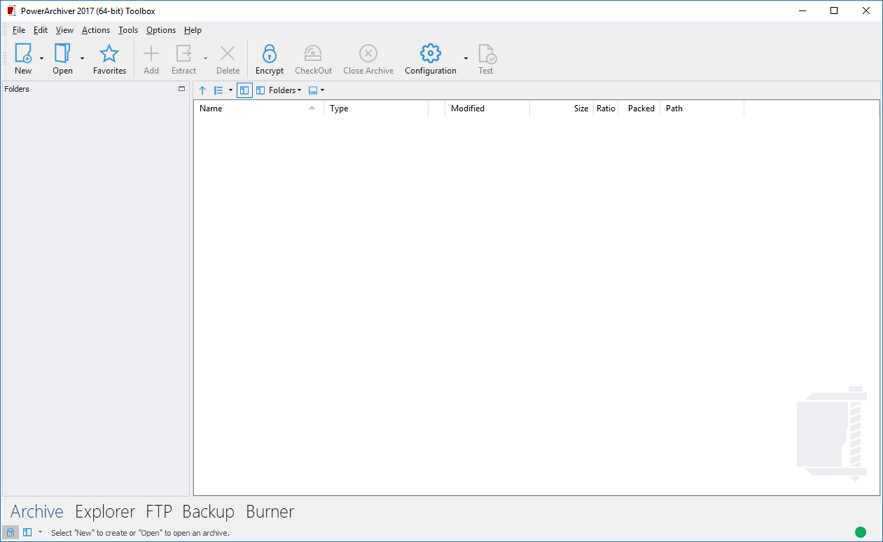
• The Test Counter in archive reports allways ZERO files...

    Unsolved
    3
    2
    0 Votes
    3 Posts
    2k Views
    spwolfS
    @pirrbe interesting, i reproduced it on add window.
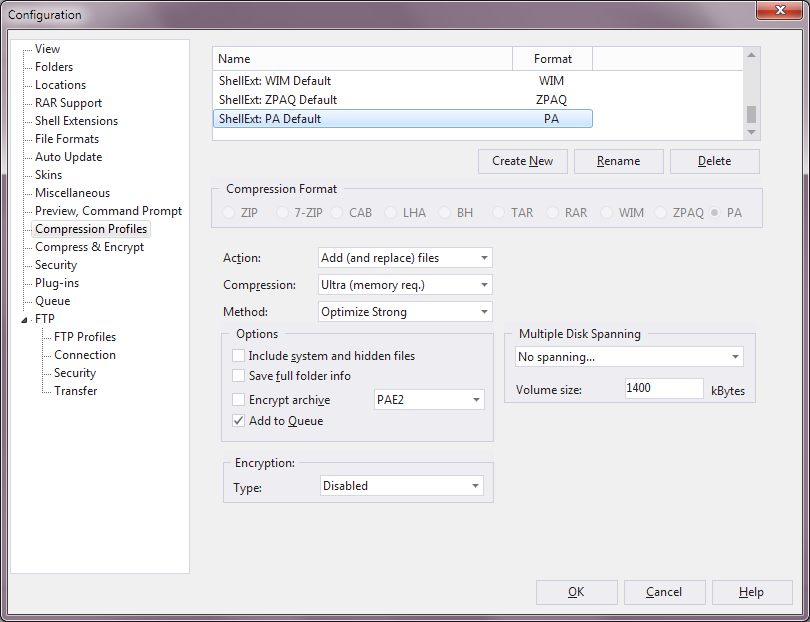
  • 17.00.90 adding hidden files to .pa archive when it shouldn't?

    Unsolved
    4
    1
    1 Votes
    4 Posts
    5k Views
    Brian GregoryB
    Actually I have just discovered that this only happens if I have “Add to Queue” selected in the profile so it may in fact be unrelated to what type of archive is chosen.
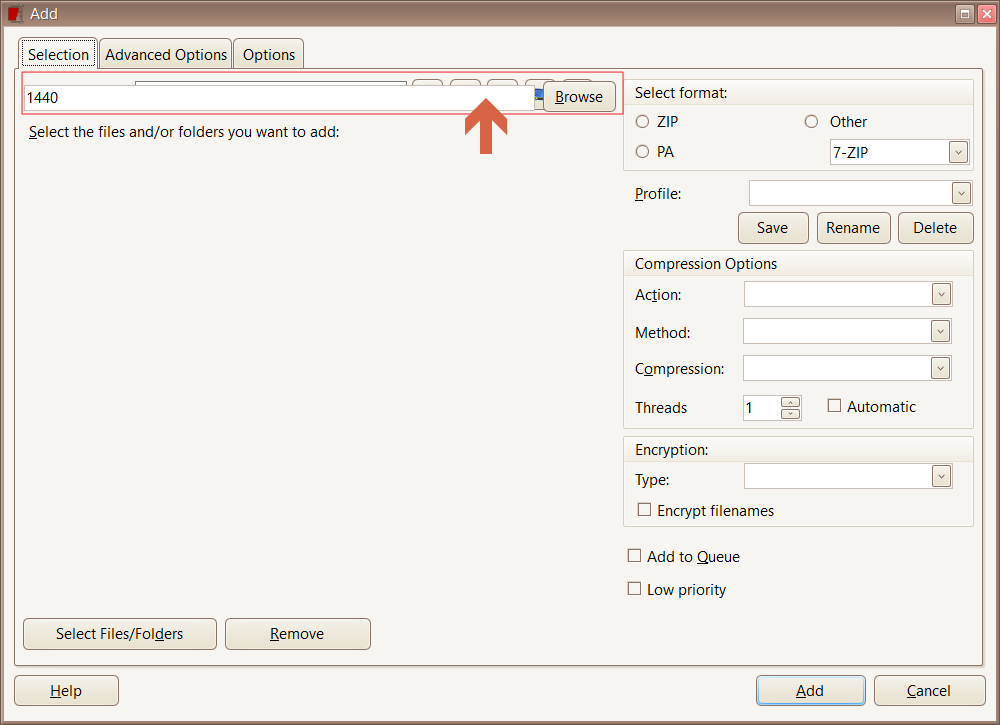
  • PA2017 build 83 - Add Window Paint bug

    Solved
    8
    1
    1 Votes
    8 Posts
    5k Views
    C
    Fixed in Final build 90, user gets a “Please select files\folders in the main file list window”
  • Errors during compression.

    Solved
    4
    0 Votes
    4 Posts
    2k Views
    spwolfS
    We found one issue with 7z engine and fixed it in .90. Let us know if it is better for you. It was dependent on special circumstances and very hard to reproduce. Thank you!
  • 17.00.99

    Solved
    3
    0 Votes
    3 Posts
    2k Views
    spwolfS
    more info on update system here: https://forums.powerarchiver.com/topic/5801/slow-ring-powerarchiver-2017-17-00-90-final thanks!
  • Fast Ring: PowerArchiver 2017 17.00.83/85/86/87 RC2

    Locked
    23
    3 Votes
    23 Posts
    11k Views
    spwolfS
    New release is out: https://forums.powerarchiver.com/topic/5801/slow-ring-powerarchiver-2017-17-00-90-final Make sure to use Patchbeam in the future for super fast updates.
  • This topic is deleted!

    Unsolved
    1
    0 Votes
    1 Posts
    3 Views
  • 1 Votes
    6 Posts
    3k Views
    M
    thanks for sending it @pirrbe We tested and confirmed it occurs when Queue/testing it turned on logged in for fixing. thanks again!
  • PA2017 build 74 - Testing 7-zip with DMG files

    Unsolved
    13
    0 Votes
    13 Posts
    5k Views
    C
    I extracted and recompressed… Just the WD_Apps_2.0.0.12.dmg to another 7z with same parms, tested fine Just the WD_Apps_2.0.0.12.dmg with parent folder “WD Apps for Mac” to another 7z with same parms, tested fine “WD Apps for Mac”. “WD Apps for Windows”, WD Apps Setup.exe" and locks up on “dotNetFx40_Full_x86_x64.exe” when testing so I’m thinking PA has trouble with multiple “WD Apps*.*” items (yes I’m wrong about the DMG theory) PA 2017 RC2 build 87 Windows 10 Pro x64 RS2
  • Startup folder is blank.

    Solved
    9
    1
    0 Votes
    9 Posts
    3k Views
    LuxorL
    Fixed. Though I had to import my settings for it to take effect.
  • Occasional Application Error in W7 - PA 17.00.83

    Unsolved
    3
    2
    1 Votes
    3 Posts
    2k Views
    PA_FanP
    @Mili It seems to happen when either Macrium Reflect or Acronis are running; I suspect the former.
  • Show grid lines option not saved

    Solved
    3
    1 Votes
    3 Posts
    2k Views
    N
    Fixed in 17.00.85.
  • Real slow UX / PA 2017

    10
    1 Votes
    10 Posts
    3k Views
    D
    Yeah now it has gotten way faster :) . And yeah their customer support is very responsive and supportive. And great security app. Hope to have PA a really swift utility app. … precisely the context menu / shell extraction.
  • Starting PA is slow

    Solved
    21
    1 Votes
    21 Posts
    10k Views
    C
    @spwolf Most of the time 1sec maybe a little less. My PA 2017 install is on a Samsung 950 Pro M.2 NVMe My testing was on a Samsung 850 EVO drive though
  • Archive Test Results Box

    Solved
    6
    2 Votes
    6 Posts
    2k Views
    C
    Confirmed
  • .tar Delete button does nothing

    Unsolved
    3
    1 Votes
    3 Posts
    2k Views
    M
    Thanks for the info. are you also getting the screen in the screenshot and PA just stays there? Is your Tar file a .tar.gz or a .tar? It seems like the archive is being updated once a folder inside is deleted, and given that you’re working with a large large archive, it could be taking a while to update. In our tests here, once a folder inside is deleted, PA takes a few seconds(or more depending on the archive size) to update the archive. If possible now, try deleting a folder and let PowerArchiver update the archive. It eventually should update it and return to archive(without the progress/delete dialog that is in screenshot. Let us know if that helped and thanks for the info! [image: 1499344798300-delete-tar-folder-resized.jpg]

  • PA 2017 issues with ACE format (not extracting and not opening file in default app)

    Unsolved
    5
    0 Votes
    5 Posts
    3k Views
    spwolfS
    @winter said in PA 2017 issues with ACE format (not extracting and not opening file in default app): https://app.box.com/s/ndk9rswh7mdmdtk67xakwutyy311rjye ACE is old format that was popular in early 2000’s, very similar to RAR I guess… it stopped being updated some 10 years or so ago… archives can be encrypted or not.
  • PA Burner - CD Ripper : compress parameter ignored ?

    Unsolved
    1
    2
    1 Votes
    1 Posts
    1k Views
    pirrbeP
    This is the CD track 2 info : [image: 1497636396532-d7ee61e9-4f9f-4ff7-b1ae-f5875d8247fc-image.png] These are the results of different soft Rippers <> PA (same track) [image: 1497639039517-f9769fcd-c4a5-4157-98e8-359287e66693-image.png] Conclusion : it seems that there’s no compression, despite different param selection, given the result of PA Size is equal to the original CD track size, 43 MB…
  • Syncronization Backup dashboard <> Explorer

    Unsolved
    2
    3
    1 Votes
    2 Posts
    1k Views
    pirrbeP
    I have a lot of created batches and want to organize them back into folders or rename them with more logical names, I will have problem : [image: 1497534834753-4bc85d91-f68e-47cb-8142-4c22773ccb2f-image.png] In case of rename/move your .pbs files are erased from the dashboard… Hereby a visualisation of the effects when you rename a .pbs batch : Actual status : two files in explorer/two in dashboard, syncrone. [image: 1497535816312-d816759f-ebb2-42bc-a2bc-3c4520e38000-image.png] I rename a file in explorer (not a function in dashboard). And now I have 2 files in explorer, 1 in dashboard. The REFRESH has no impact… and the renamed is erased… [image: 1497535896039-8bba27b1-219c-4083-bc67-7275345c5b80-image.png] To have the renamed file in the dashboard, I have to run it once in explorer. Question : if you open the dashboard for ARCHIVES, PA opens an explorer where you have all functions. Why not the same technic in BACKUP ? This will avoid this kind of problems (I suppose). Suggestion : Why not in configuration/Folders create a ‘Backup Batches’ location that is filled up with a default but that can be personalized, such as for Temp/Startup locations. ![0_1500500162147_e8681292-be20-4257-8546-4369bbf483ba-image.png](Uploading 100%) This in combination with the ‘explorer window’ as used in ARCHIVES will avoid the above mentioned manipulations…
  • Encrypted or not encrypted, that's the question

    Solved
    3
    4
    0 Votes
    3 Posts
    2k Views
    pirrbeP
    @spwolf I went back to the explorer shell commands. Aaaah, somewhere there’s allways a solution in PA ! My case : the file was already encrypted, but I forgot to ‘manual’ add the ‘enc’ in the filename. Renaming is for the moment not a good idea (discussed in chat, but still to report). But of course, in explorer you select the encrypted file, then in shell command ‘Power Archiver’/‘Encrypt’ and there you can select the suffix ‘_enc’. Cool, my encrypted file is encrypted again but now with the desired encrypt indication ! [image: 1497465398380-4ea4dca5-d7f4-49e6-9b30-be9dd0c473de-image.png] (the context of my request was in the case I use PA as an ordinary Zipper to quickly compress/encrypt just one file. So not a real archive). Ok, given the possibility to adjust it trough PA itself, my problem is solved :-)