• Fast Ring: PowerArchiver 2021 20.00.57

    Locked Tech Support
    1
    2 Votes
    1 Posts
    668 Views
    spwolfS
    New version: 21.00.57 Download: https://powerarchiver.cachefly.net/2021/powarc200057.exe Release Notes - PowerArchiver - Version 21.00.57 ** Bug * [PA-2798] - Backup: Spanning dropdown not showing top border * [PA-2801] - Encrypt Tool: Use Fips checkbox overlaps with other frames when resized * [PA-2802] - Back arrow button in burner apps not displaying as button when hovering over it * [PA-2805] - Text too close to Span dropdown in Backup * [PA-2807] - Files not showing inside specific tar.gz * [PA-2814] - Backup Icons not showing * [PA-2815] - D&D a folder onto an archive in windows explorer does not work * [PA-2816] - .apk files not recognized as zip, give compression options * [PA-2817] - Renaming files inside PA archives does not work * [PA-2818] - Multi extract tool not extracting tar.gz files * [PA-2819] - Shell submenu in Config says 2019 instead of 2021 Whats New Small fixed and improvements. @Alpha-Testers please check it out and let us know!
  • Fast Ring: PowerArchiver 2021 20.00.53

    Tech Support
    17
    2 Votes
    17 Posts
    4k Views
    spwolfS
    @TheAndyMac said in Fast Ring: PowerArchiver 2021 20.00.53: Having one issue with the RC1 - when extracting a zip file using drag and drop to a network share, it prompts for UAC - which I allow - and prompts again, and then keeps on flashing up but not extracting anything - and there is now way to close it down other than logging off/shutting down. Seems like the UAC handling is broken at present. This is not an issue with the current production version, where I use this a lot of the time. @Mili will take a look at this!
  • PowerArchiver 2021 20.00.32/44/45

    Locked Tech Support
    4
    2 Votes
    4 Posts
    2k Views
    spwolfS
    @Alpha-Testers [image: 1591899614954-003495e0-3552-48d4-9dd0-2cd21cb58e2d-image.png] dark windows ribbon implemented with auto/light/dark modes. Lot of backend changes, so not public yet. http://u.powerarchiver.com/pa2021/powarc200047.exe
  • Fast Ring: PowerArchiver 2019 19.00.51/54/57/58/59

    Locked Tech Support
    24
    2 Votes
    24 Posts
    11k Views
    LuxorL
    Right clicking a folder and selecting compress to folder.pa now works too.
  • Make portable version compatible with PortableApps

    Unsolved Wishlist
    1
    2 Votes
    1 Posts
    2k Views
    A
    Hello! I think it would be a great option to make the portable version of PowerArchiver compatible with PortableApps (i.e. adding the necessary files and folders to integrate it smoothly into their structure). I own various other commercial programmes which -when installed in portable mode- offer to make the becessary changes without needing an extra installer or the official PortableApps repos. Thanks for opinions or perhaps even a realization of this. A.Borque
  • Fast Ring: PowerArchiver 2018 18.01.04

    Tech Support
    7
    2 Votes
    7 Posts
    6k Views
    drteethD
    @spwolf so where did it not work? From previous .58? Thanks! That is right. The issue was with .58 and with the latest version, no problems. Cheers DrT
  • GUI: Buttons not aligned

    Solved Tech Support
    6
    1
    2 Votes
    6 Posts
    4k Views
    guidoG
    no sorry. Did a reinstall.
  • hang when using the Test function with 7z archives

    Unsolved Tech Support hang bug
    5
    2 Votes
    5 Posts
    4k Views
    M
    finally got it reproduced and logged in, thanks all!
  • Slow drawing of main window.

    Unsolved Tech Support
    9
    1
    2 Votes
    9 Posts
    8k Views
    spwolfS
    @luxor said in Slow drawing of main window.: @spwolf said in Slow drawing of main window.: I will check if we can improve this. I dont think it was any different in previous builds. In previous builds I’ve never seen the scroll bar out of position like it is in this build. If it did occur it was obviously too fast for my old eyes to pick up on it. ;) might depend on number of files in the folder, but i went back to .37 and if folders bar + skins + hdd browse is on, scroll bar of the folders bar will be seen changing size at startup. I wrote it in… thanks!
  • Is PA doing something or has it hung?

    Unsolved Tech Support
    3
    2
    2 Votes
    3 Posts
    4k Views
    M
    thanks @drteeth ! We were able to reproduce and are logging it in for fixing
  • Fast Ring: PowerArchiver 2018 18.00.50/53/56/57

    Locked Tech Support
    5
    2 Votes
    5 Posts
    9k Views
    spwolfS
    @Alpha-Testers small update to .57… thank you!
  • pCloud

    Unsolved Wishlist
    5
    2 Votes
    5 Posts
    7k Views
    spwolfS
    there will be changes for sure in PA 2019… not started yet on cloud functionality but will keep you updated. Thanks
  • PA Favorites Window: Column settings not saved

    Solved Tech Support
    3
    2 Votes
    3 Posts
    3k Views
    M
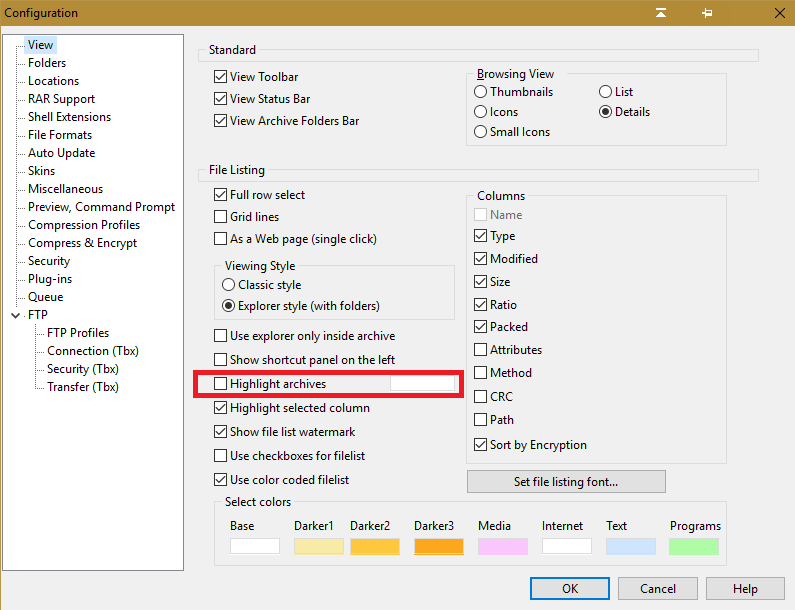
    The favorites dialog will now save column settings in version 18.00.50 https://powerarchiver.cachefly.net/2018/powarc180050.exe Thanks @BigMike
  • Option to highlight archives not working

    Solved Tech Support
    5
    1
    2 Votes
    5 Posts
    4k Views
    BigMikeB
    I can confirm, that it’s working as expected now :-)
  • Configuration bug in relelase version of 2018

    Solved Tech Support
    6
    2 Votes
    6 Posts
    5k Views
    spwolfS
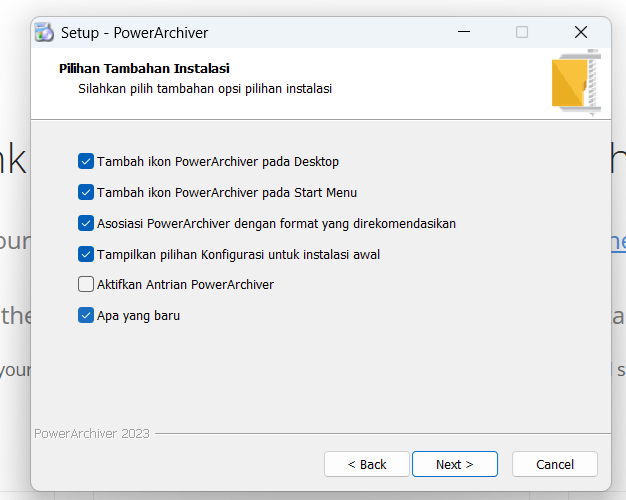
    @the_purspyk said in Configuration bug in relelase version of 2018: Seems to be working. Some small observations, during the installation, I dont selelct any of the option ie add items to Start Menu, but PowerArichiver is always added to the Start Menu (this has happened in all versions of the program, and i have mentioned this before). If the program is registerted, would it not be possible to remove the Register Icon from the toolbar. I got the impression initially that my program had not been registered, or grey it out. we will write it up, thanks. As to the register icon, it is under Options in Modern toolbar. You might want to change the settings, upgrade to other version, etc, thats why it is there… otherwise PA clearly states it is registered in about window and unregistered is removed from the caption.
  • Unable to select correct viewer

    Unsolved Tech Support
    2
    2 Votes
    2 Posts
    2k Views
    M
    thanks @drteeth Indeed, there is an issue there and we have logged it in for fixing
  • Fast Ring: PowerArchiver 2018 18.00.37

    Locked Tech Support
    6
    2 Votes
    6 Posts
    11k Views
    LuxorL
    A one-off hopefully.
  • GUI Alignment

    Solved Tech Support
    3
    1
    2 Votes
    3 Posts
    2k Views
    guidoG
    fixed in .55
  • Cloud Folders as Upload Target Folders-not working?

    Unsolved Tech Support
    6
    1
    2 Votes
    6 Posts
    4k Views
    pirrbeP
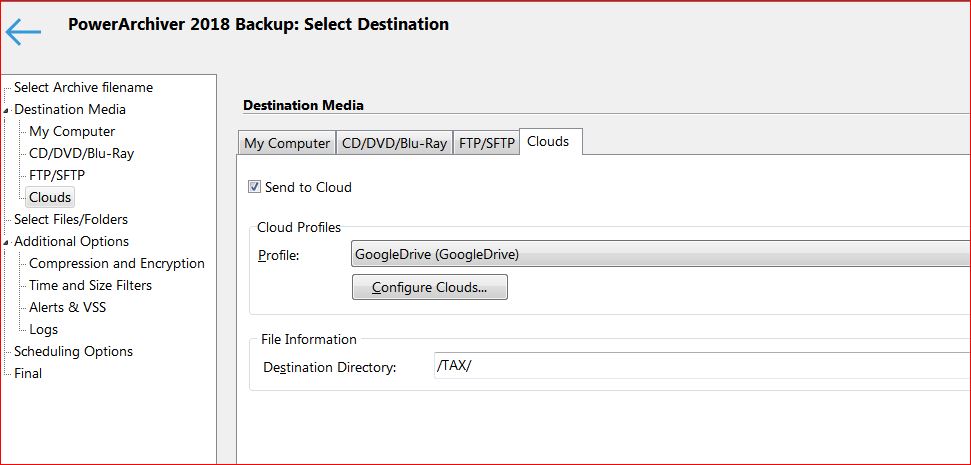
    @mili Google’s direct sync folder works perfect to overcome the root filing problem. It’s a plan B but finally I have my PA backups in the google cloud, where I want them :-). For onedrive : microsoft helpdesk referred me to PA helpdesk to solve the root cloud problem, not their problem as a third part is involved…
  • Fast Ring: PowerArchiver 2018 18.00.24/25/27/29

    Tech Support
    11
    2 Votes
    11 Posts
    17k Views
    spwolfS
    @spwolf there was an update to .31, to add compatibility for onedrive folders (as well as other similar) that was lost in last few build since we re-wrote the shell. So just redownload and it shall work!